Built around how you actually think
DeNotes is organized around the moments of real work (capturing an idea, finding it again, and turning it into progress) rather than a list of features.
Capture thoughts
A thought arrives and you write it down before it slips away. Creating a file opens its first note straight away, so nothing stands between you and the page, and autosave means you never think about saving.
Organize knowledge
Folders nest without limit, folders hold files, and files hold notes. A structure that grows with your thinking instead of fighting it, so everything has an obvious place to live.
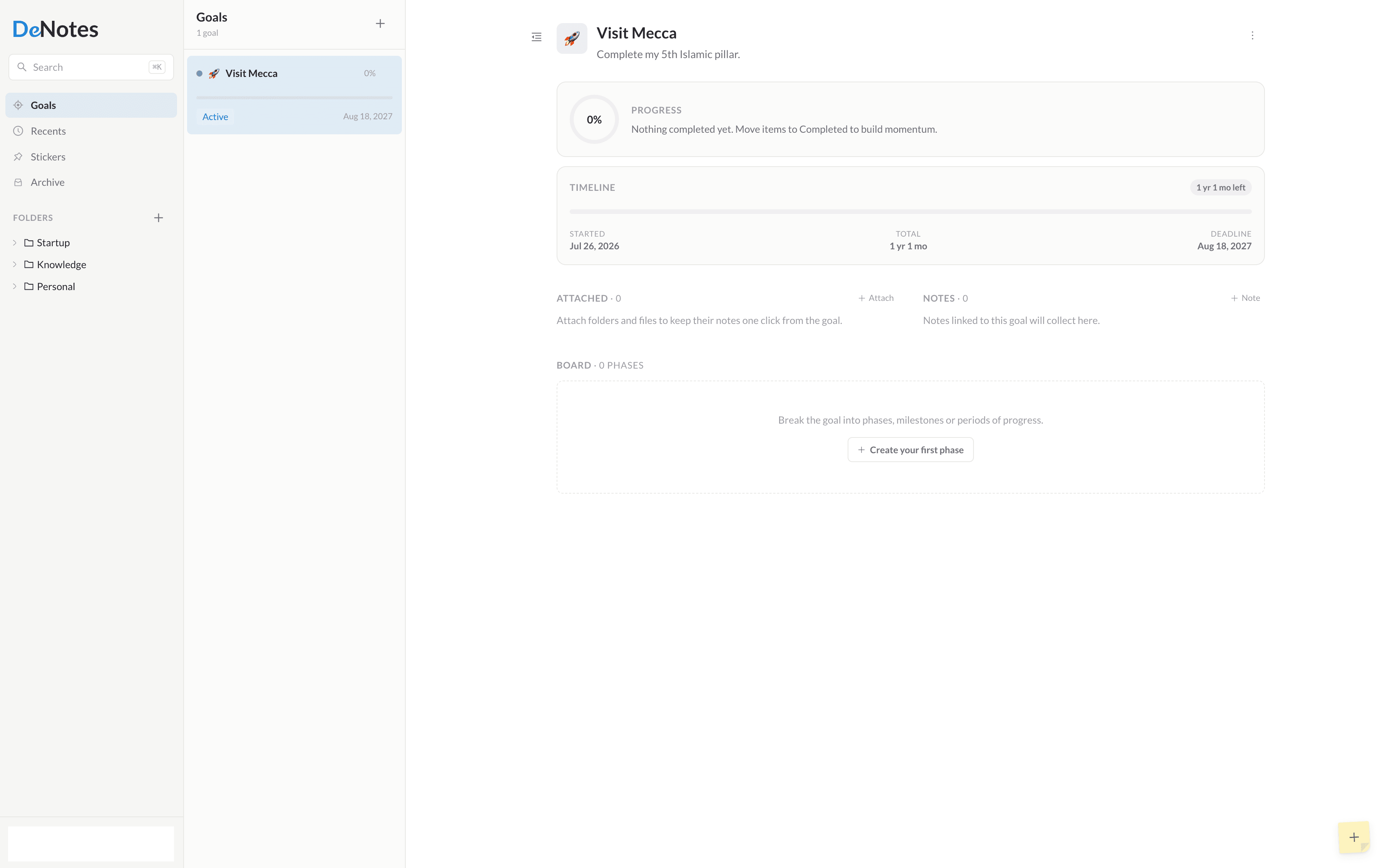
Connect notes to goals
Notes are where thinking happens; goals are where it leads. Link a note to a goal and your everyday writing quietly accumulates into real, visible progress.
Temporary stickers
Some notes only matter today. Stickers float on your workspace for twenty-four hours and then clear themselves, a scratchpad that never turns into clutter.
Google Drive ownership
Your notes are saved as plain Markdown files inside your own Google Drive. Open them, back them up, or take them elsewhere whenever you like. DeNotes only ever touches the files it created.
Markdown writing
Write in Markdown and watch it render live, line by line. Lists, checkboxes, quotes and code continue as you type, and there are no toolbars getting in the way of the words.
Minimal workspace
A calm, three-pane layout with room to think. Collapse the files panel for a wider canvas, or go fullscreen when a note deserves the whole screen.
Unlimited GoalsPro
Every goal in DeNotes is a complete workspace: break it into phases, organize tasks on a board, drag them through Todo, Ongoing and Completed, and watch progress add up, with the folders, files and notes that belong to the work attached alongside. Free gives you two of them. Pro gives you as many as you need.
Private VaultPro
Some things are only for you. Lock any note, file, folder or goal behind a passcode. It stays out of search and out of sight until you unlock it.
TemplatesPro
Save any note as a reusable template and insert it anywhere by typing /template. Meeting notes, weekly reviews, project briefs: write the structure once.
ThemingPro
Choose the accent color the whole interface wears, in light and dark. A small thing that makes DeNotes feel like your own.
Export & DownloadPro
Take your work anywhere. Export any note or file as Markdown, plain text or a polished PDF, or download an entire folder (subfolders, files and all) exactly as it is stored in your own Google Drive.