Skip to content

Think clearly.
Progress intentionally.

DeNotes is a calm workspace where your notes, goals and ideas grow together. Write in Markdown, keep everything in your own Google Drive, and make steady, intentional progress.

The workspace

Why DeNotes exists

Most tools ask you to manage them. Folders about folders, settings about settings, a system that slowly becomes the work. DeNotes tries to disappear instead — a place to think, not another thing to maintain.

It is built around a simple belief: clear notes lead to clear thinking, and clear thinking leads to intentional progress. Everything here serves that, and nothing else is invited in.

Clarity

A quiet surface with nothing to configure, so your thinking has room to breathe.

Focus

One note at a time, one goal in view. The interface steps back so the work can step forward.

Intentional progress

Notes connect to goals, so the small things you write add up to something deliberate.

Everything in one calm place

A focused set of features that work together, so there is less to learn and less to manage.

Capture thoughts

A thought arrives and you write it down before it slips away. Creating a file opens its first note straight away, so nothing stands between you and the page — and autosave means you never think about saving.

Organize knowledge

Folders nest without limit, folders hold files, and files hold notes. A structure that grows with your thinking instead of fighting it, so everything has an obvious place to live.

Connect notes to goals

Notes are where thinking happens; goals are where it leads. Link a note to a goal and your everyday writing quietly accumulates into real, visible progress.

Temporary stickers

Some notes only matter today. Stickers float on your workspace for twenty-four hours and then clear themselves — a scratchpad that never turns into clutter.

Google Drive ownership

Your notes are saved as plain Markdown files inside your own Google Drive. Open them, back them up, or take them elsewhere whenever you like. DeNotes only ever touches the files it created.

Markdown writing

Write in Markdown and watch it render live, line by line. Lists, checkboxes, quotes and code continue as you type, and there are no toolbars getting in the way of the words.

A closer look

The editor, your goals and the moments in between — designed to feel quiet and considered.

The editor
Live Markdown that renders as you type.
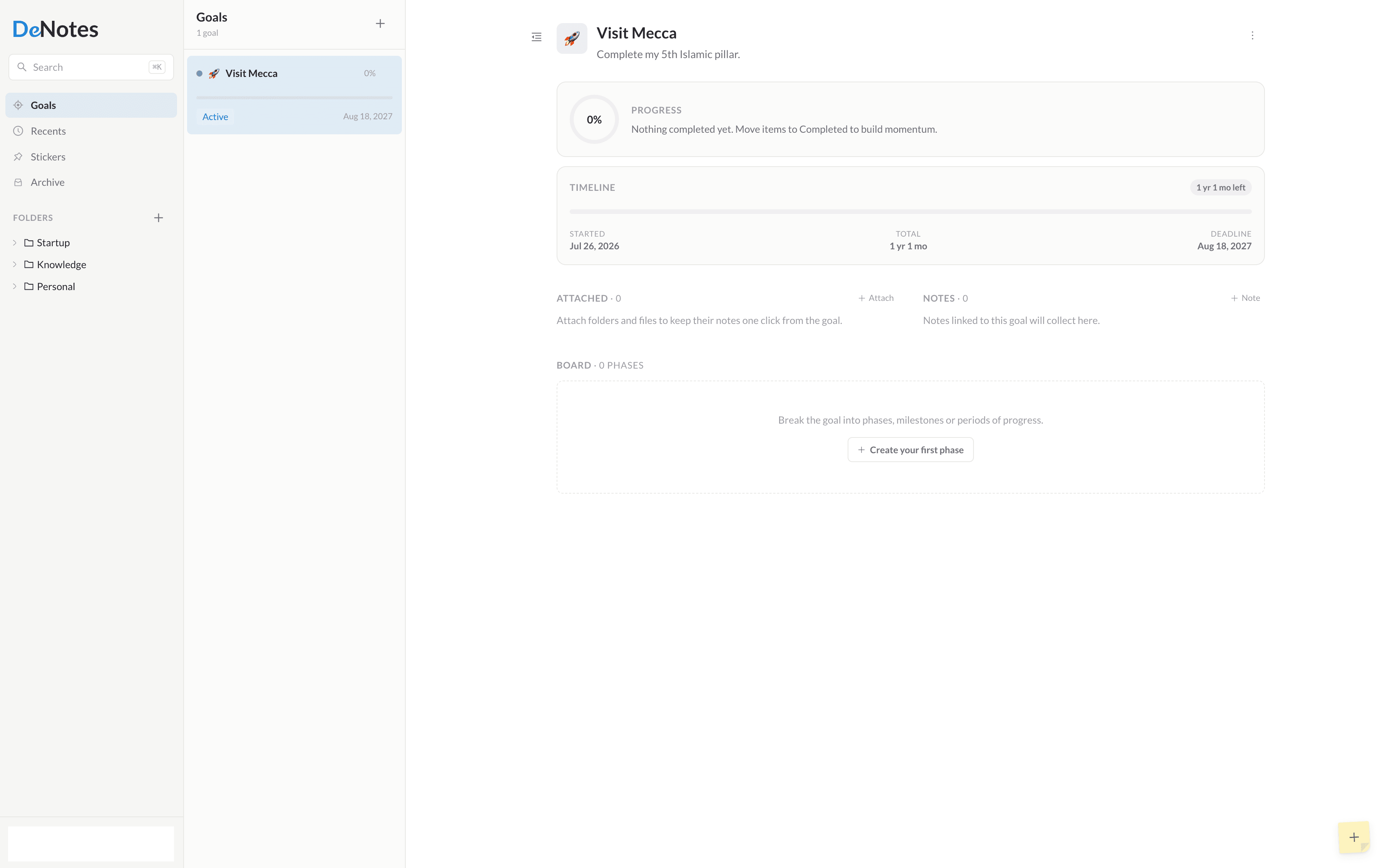
Goals
Notes that add up to something deliberate.

See it in motion

A short introduction to writing, organizing and making progress in DeNotes.
IntroductionVideo coming soon

Why people choose DeNotes

Your words stay yours

Notes are plain Markdown files in your own Google Drive. No lock-in, no proprietary format, nothing to escape from later.

Calm by default

No streaks, no badges, no noise. DeNotes is designed to be closed and forgotten as easily as it is opened.

Built to last

A focused set of ideas, done carefully, rather than a feature race. What you learn today still works tomorrow.

Simple, honest pricing

Free to start. Pro adds a more personal, more powerful DeNotes for a few dollars a month.

Two months free

Free

$0

Free forever

For people who want a simple and focused place to capture and organize their thoughts.

Open App
  • Notes
  • Folders and files
  • Goals — one note each
  • Stickers
  • Google Drive storage

Pro

$30/year

billed yearly

For people who want a more personalized and powerful DeNotes experience.

Go Pro
  • Goal Workspaces — phases, tasks & progress
  • Unlimited notes per goal
  • Private Vault
  • Theming — choose your accent color
  • Device synchronization
  • Instant support

Founding members: the first 25 to go Pro lock in $25/year.

Where DeNotes is going

A short, honest list of what is done and what is coming next.

Recently shipped

  • Notes, files and folders
  • Live Markdown editor
  • Goals
  • Stickers
  • Google Drive sync

Coming next

  • Refinements to the writing experience
  • Faster search across notes
  • Private Vault
  • macOS app
  • iPhone app

Questions, answered

Where are my notes stored?
Wherever you choose. During onboarding you pick between local storage on this device, which works fully offline, or your own Google Drive. Note content stays where you put it; only lightweight metadata such as titles and structure lives in the DeNotes database.
Do you own my data?
No — you do. When you connect Google Drive, note content is written to a DeNotes folder in your account using a scoped permission, and you can read, back up or delete those files yourself at any time.
Can I export my notes?
Yes. Every note is plain Markdown. With Google Drive there is nothing to export at all — the files are already sitting in your account, ready to open in any editor.
Why Google Drive?
Because it is storage you already own and trust. Keeping content in your Drive means you are never locked in, and DeNotes only ever touches the files it created — it uses the drive.file scope, nothing broader.

Think clearly. Progress intentionally.

Open DeNotes and start with a single note. Everything else grows from there.

Need help?

Questions, problems and ideas all reach a real person. We read every message.