Skip to content

Learn DeNotes

Short videos covering how DeNotes works and the features that matter most.

The essentials

Start with the big picture, then a look at each core feature.

The idea behind DeNotes3:30

The idea behind DeNotes

What DeNotes is and the thinking behind it: a calm workspace built on plain Markdown files that live in your own Google Drive, so your notes always stay yours.

Writing in the editor2:45

Writing in the editor

Write in Markdown and watch it render live, line by line, with no toolbars between you and the page.

Goals2:30

Goals

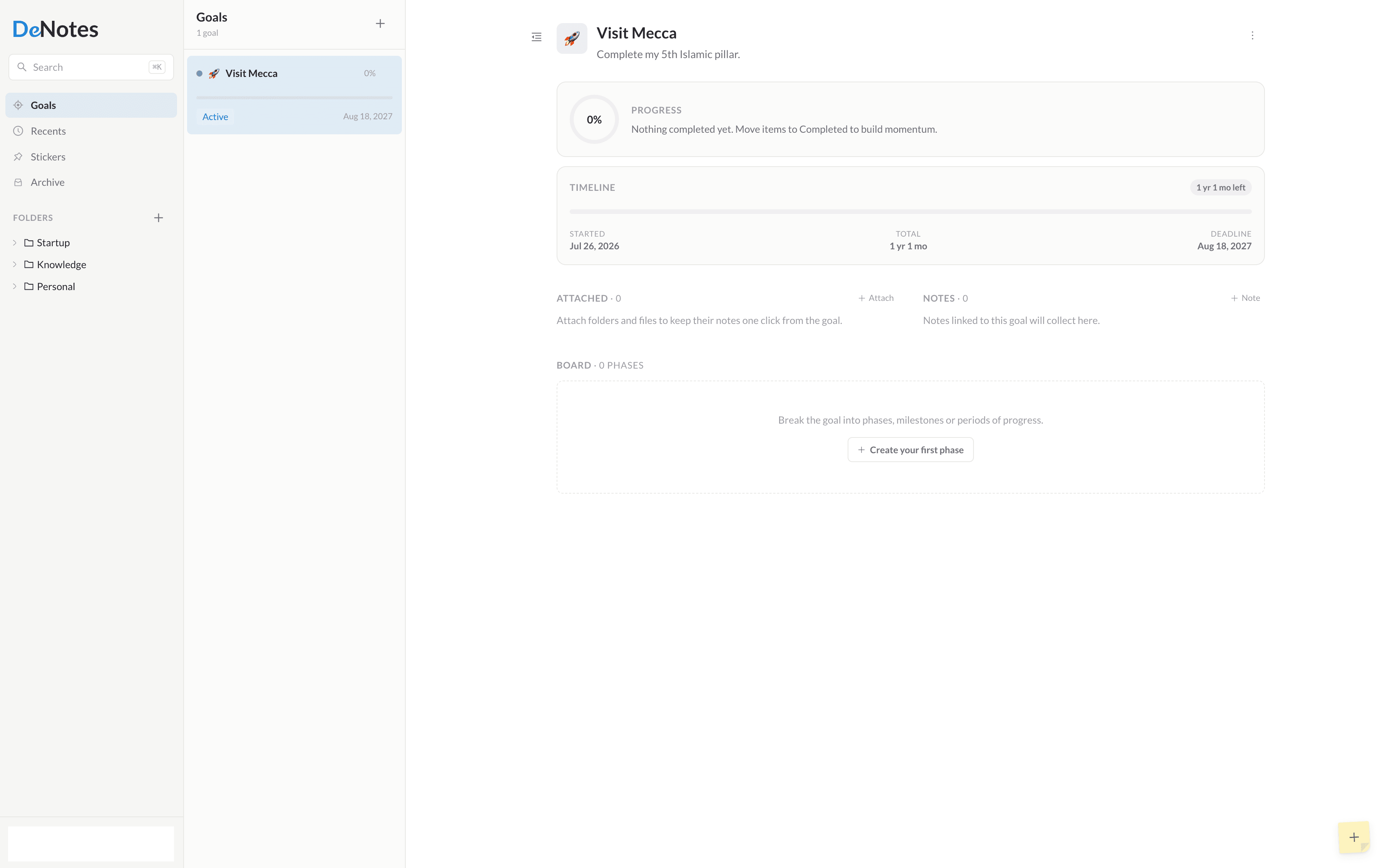
Link notes to goals so the small things you write add up to visible, deliberate progress.

Stickers1:40

Stickers

Capture quick thoughts on temporary stickers that float on your workspace and clear themselves after a day.

Private Vault2:10

Private Vault

Lock sensitive notes, files, folders and goals behind a passcode only you know.

Frequently asked questions

What is DeNotes?
DeNotes is a minimalist Markdown note-taking app for the web. You write in Markdown and it renders live as you type, notes are organized in files and folders that nest without limit, and each note is saved as a plain Markdown file in your own Google Drive. It installs as an app on any device from the browser, and it is free to use.
Who is DeNotes for?
People whose notes are mostly writing they did themselves: writers working on long pieces, developers who already think in Markdown, students organizing subjects, and anyone keeping a journal or project notes they want to last. It is a single-person tool. If you need real-time collaboration, a database you can query, or a web clipper for saving articles, another app will serve you better.
Is DeNotes a good alternative to Notion or Obsidian?
It depends on what you liked about them. Compared with Notion, DeNotes is far smaller: no databases, no shared team pages, and your writing is a Markdown file rather than blocks in a hosted database. Compared with Obsidian, it agrees that notes should be plain Markdown you own, but it comes finished instead of extensible, with no plugins to choose and sync already handled through your Google Drive. There are detailed comparisons for both, and for Apple Notes, Google Keep, Standard Notes, Bear and Evernote.
Where are my notes stored?
Wherever you choose. During onboarding you pick between local storage on this device, which works fully offline, or your own Google Drive. Note content stays where you put it; only lightweight metadata such as titles and structure lives in the DeNotes database.
Do you own my data?
No, you do. When you connect Google Drive, note content is written to a DeNotes folder in your account using a scoped permission, and you can read, back up or delete those files yourself at any time.
Can I export my notes?
Yes. Every note is plain Markdown. With Google Drive there is nothing to export at all. The files are already sitting in your account, ready to open in any editor.
Why Google Drive?
Because it is storage you already own and trust. Keeping content in your Drive means you are never locked in, and DeNotes only ever touches the files it created. It uses the drive.file scope, nothing broader.
Does DeNotes work offline?
Local storage works entirely offline and stays the on-device source of truth. Your changes are saved locally first and then synced in the background when you are connected.
Will there be native apps?
Yes. Native apps for macOS, iPhone and Android are planned. The web app works today and is the fastest way to start.
How does synchronization work?
Note content syncs through your storage provider while structural metadata syncs separately. Writes are saved on your device immediately and flushed in the background, so the interface never waits on the network.
Can I use DeNotes for free?
Yes. The core app is free to use: capture notes, organize folders and files, write in Markdown, set goals and keep everything in your own Google Drive. Pro adds deeper workflows on top for those who want them.
What does DeNotes Pro include?
Pro unlocks the complete Goal Workspace (phases, task boards, progress and unlimited attachments), the Private Vault for locking sensitive notes, reusable note templates, custom accent colors, device synchronization as native apps arrive, early access to new features, and priority support. It is $3/month or $30/year.
Do I need a Google account to use DeNotes?
Not necessarily. During onboarding you choose where notes live. Local storage keeps everything on the device and needs no Google account at all. Connecting Google Drive is what gives you the same workspace on every device, with your notes as files in an account you already control.
Does DeNotes read my notes or use them to train AI?
No. Note content is never copied into the DeNotes database, and it is never used to train machine-learning models. When you connect Google Drive, DeNotes uses the drive.file scope, which limits it to the files it created. It cannot see, list or open anything else in your Drive.
Can I install DeNotes on my phone or desktop?
Yes. DeNotes is a progressive web app, so any modern browser can install it to your home screen, dock or taskbar, where it opens in its own window without browser chrome. Native apps for macOS, iPhone and Android are on the roadmap.
What happens to my data if I stop paying?
Nothing is taken away from you. Your notes, goals and files all stay; anything you locked in the Private Vault stays unlockable, and the plans you built are preserved. You only lose the Pro workflows going forward: the goal execution board, creating new templates, locking new items and custom accents.

Can’t find what you’re looking for?

Tell us which tutorial would help, or ask a question directly. A real person reads every message.

Contact us

Need help?

Questions, problems and ideas all reach a real person. We read every message.